
Live TV with a real guide, catch-up, movies and series that remember where you stopped, trailers, subtitles and parental controls. Built for the Magic Remote, made for the big screen.
Available on the LG Content Store for webOS TVs. No subscription: a one-time activation after the trial.
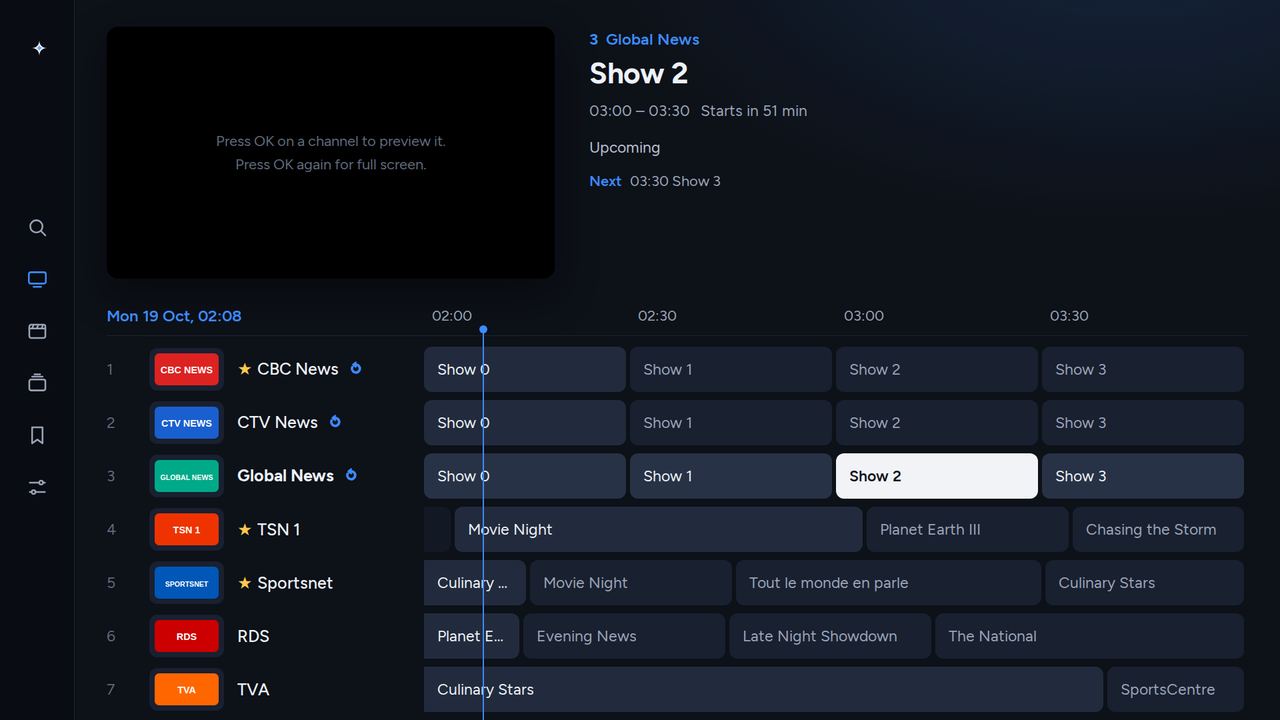
Browse channels and programmes side by side, see what’s on now and next, and jump straight to a show. Your groups, your favourites, your order.
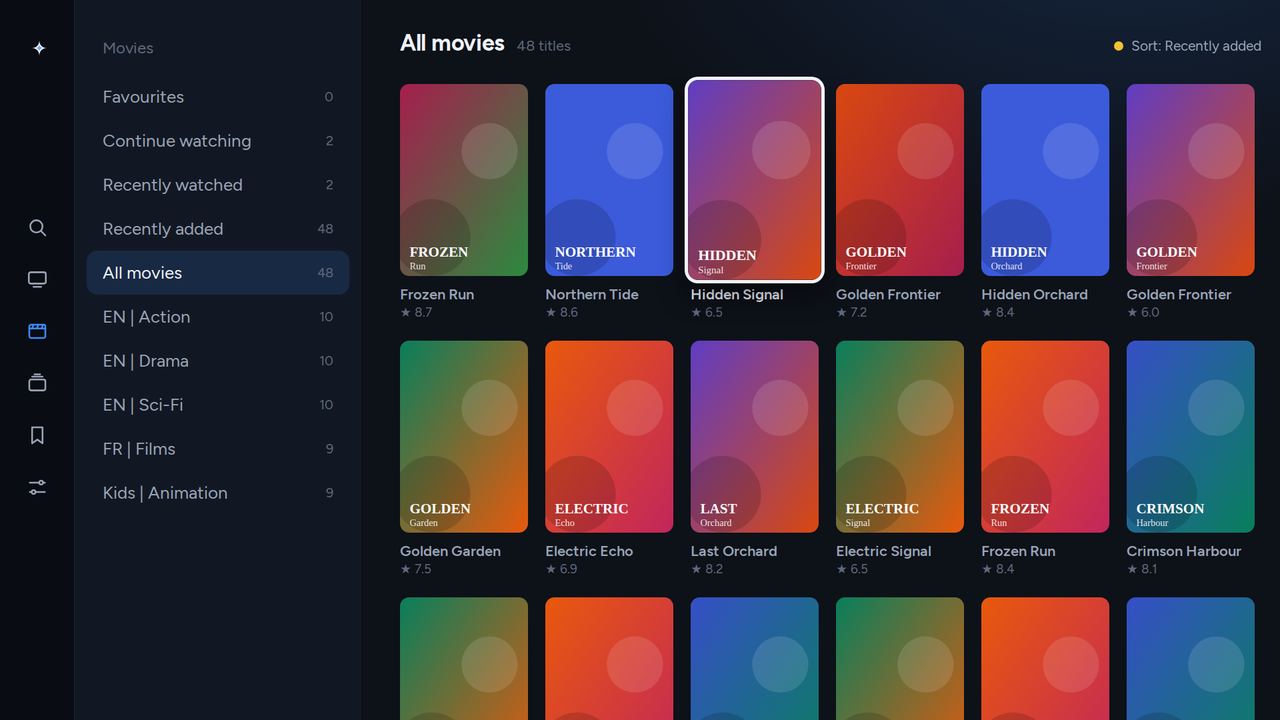
Poster grids, details with cast and plot, a trailer button, and seasons laid out properly. Stop halfway and Nova TV picks up where you left off, with the next episode ready.
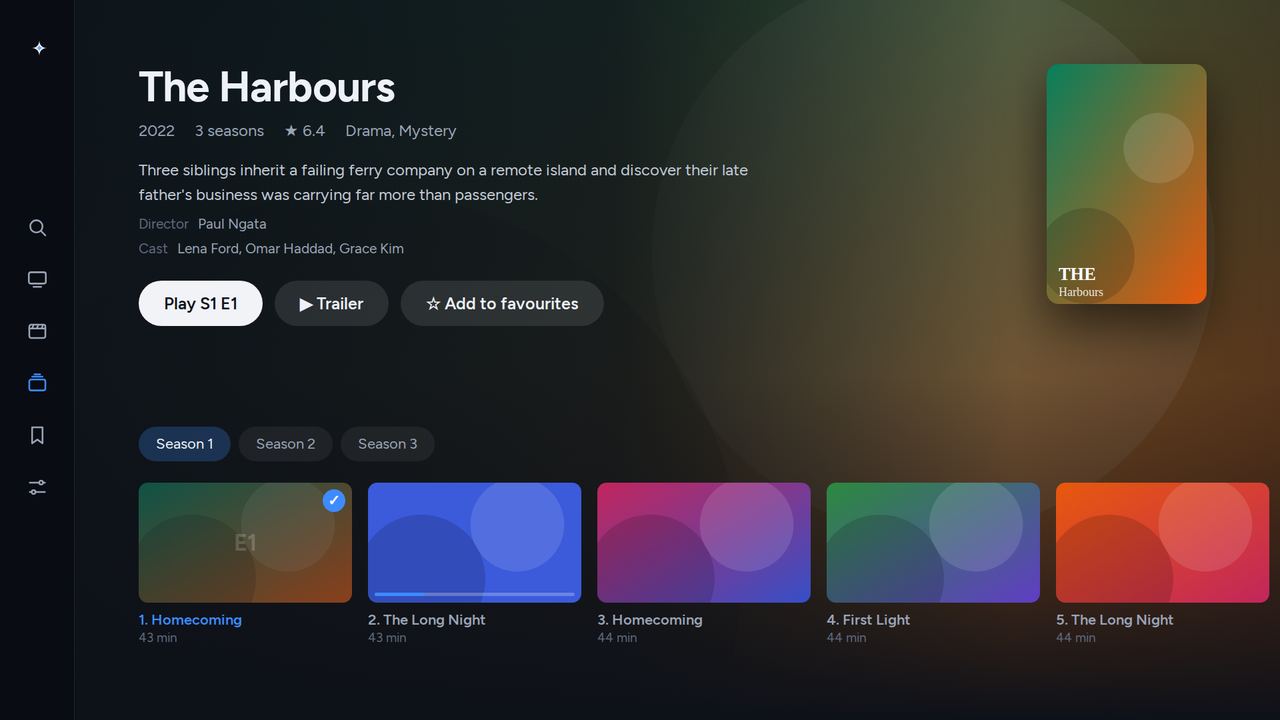
Seasons as tabs, episodes as cards with their length and progress, and one button that always knows which episode comes next.
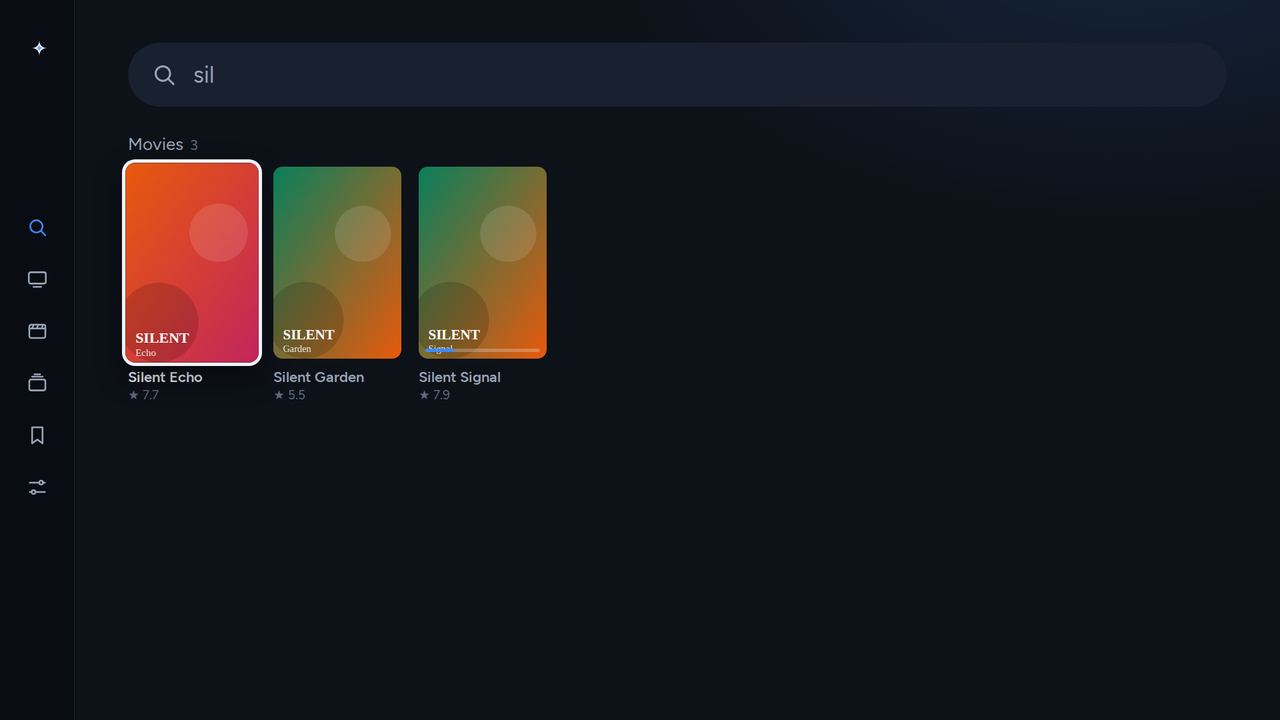
One search across channels, programmes on now, movies and series. Forgiving of typos, accents and word order.
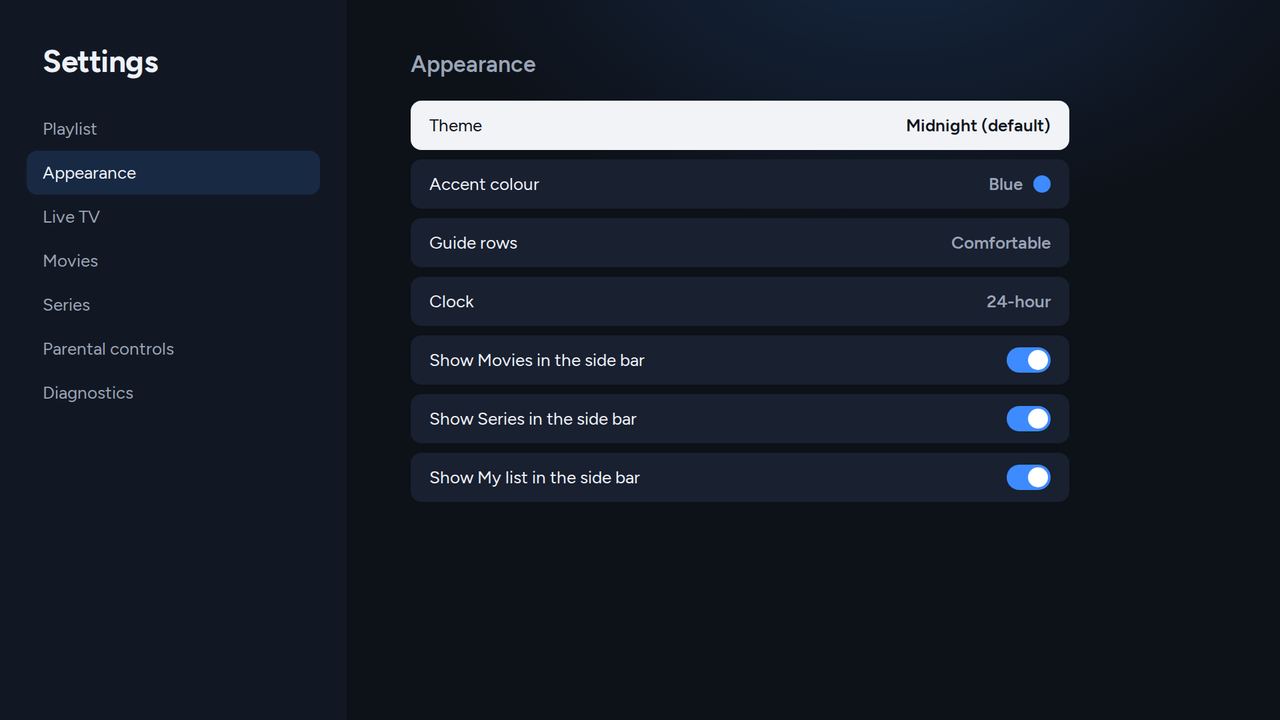
Three themes, ten accent colours, compact or comfortable guide rows, and a side bar that shows only what you use. Lock groups behind a PIN for the kids.
Try everything free for 7 days. Then pay once, keep it forever. No subscription, no ads.
Payment by card through Stripe. You receive your activation code immediately on screen and by email. 7-day money-back guarantee: write to support@novatv.dev. Prices in US dollars; your bank converts at its own rate.
Open the LG Content Store on your TV, search for Nova TV and install it. Works on webOS TVs from 2020 on.
Enter the Xtream Codes login or the M3U link you got from your IPTV provider. Nova TV loads channels, guide, movies and series.
Enjoy 7 days free. When you’re ready, buy a code here and type it under Settings › Activation.
No. Nova TV is a player. It shows the content of the playlist you add, the same way a browser shows websites. You need a playlist from an IPTV provider of your choice; we don’t sell, host or recommend any.
LG Smart TVs running webOS 5 or newer (models from 2020 onward), including OLED, QNED, NanoCell and UHD ranges. It does not run on other brands.
Xtream Codes logins (server, username, password) and M3U / M3U8 links, with an XMLTV guide if your provider has one. Several playlists can be kept and switched in Settings.
Your playlists, favourites and progress stay. Playback pauses until you enter an activation code; nothing is deleted.
Yes. In Settings › Activation press “Release this TV”, then enter the same code on the new one. A 2-TV code can be active on two TVs at the same time.
If Nova TV doesn’t work for you, email support@novatv.dev within 7 days of purchase for a full refund.